How to Reduce EMF in Your Car: 8 Practical Tips for Australian Drivers
To reduce EMF in your car, mount your phone on the dash instead of carrying it in a pocket, switch off unused hotspots, Bluetooth and wireless charging pads, use a cable, put passenger tablets in aeroplane mode, and keep devices off laps. These habits cut the number of active sources in the cabin.
Most advice about in-car EMF stops at one device: move the phone and you are done. That misses how a modern car works. Your phone, Bluetooth link, hotspot, charging pad, infotainment system and every passenger's device can all transmit at the same moment, in a small metal box, a short distance from your body.
This guide is the action list. If you want measured levels, our article on EMF levels inside cars covers that background. For electric vehicles, see our article on electric vehicle EMF exposure in Australia. Here, I focus on habits you can change today, what each one does and does not achieve, and where Aulterra harmonising products fit.
Key Takeaways
- A car brings several wireless sources together in a small cabin, so the combined load is the useful thing to manage, not one device in isolation.
- Phone placement, call habits and aeroplane mode on navigation-only trips are free and take minutes to set up.
- Switching off unused hotspots, Bluetooth and wireless charging pads removes sources entirely. A cable is the simplest swap.
- Kids' tablets should be downloaded in advance, set to aeroplane mode and kept off laps.
- Aulterra products are harmonising, not shielding. They do not lower measured field strength and do not replace the behaviour changes.
- Nothing here is a medical claim. Never compromise safe driving, hands-free rules or emergency access to reduce exposure.
Protect your family from EMF exposure
Browse our science-backed neutralizer products.
Shop EMF ProtectionSummary: The 8 Tips at a Glance
- What you change
- Stop carrying it in a pocket or on your lap
- Effort
- Low
- Cost
- None
- What you change
- Avoid long calls in weak-signal areas
- Effort
- Low
- Cost
- None
- What you change
- Use offline maps on navigation-only trips
- Effort
- Medium
- Cost
- None
- What you change
- Turn it off when nobody is using it
- Effort
- Low
- Cost
- None
- What you change
- Disable Bluetooth and charging pads you do not need
- Effort
- Low
- Cost
- Cable only
- What you change
- Pre-download content, aeroplane mode, off laps
- Effort
- Medium
- Cost
- None
- What you change
- Keep distance from charging points and stored devices
- Effort
- Low
- Cost
- None
- What you change
- Whole-car USB neutraliser, phone disc, pendant or wristband
- Effort
- Low
- Cost
- Product cost
Why is a car a concentrated EMF environment?
A car packs several radio sources into a small metal cabin, with devices sitting close to your body. Your phone, Bluetooth, hotspot, charging pad, infotainment system and passengers' devices all operate at once. Your phone also raises its transmit power when signal is weak or when it switches between towers.
Electromagnetic fields are the invisible energy that wireless devices produce when they communicate. Most of what matters in a car is radiofrequency energy from phones, Bluetooth, Wi-Fi and mobile data, plus low-frequency magnetic fields from charging equipment and electrical systems.
Three features of the cabin make it different from a lounge room.
Proximity. In a house, a router sits across the room. In a car, the phone is within arm's reach, the charging pad is beside your hand and a child's tablet is a metre behind you.
A metal body. A car body reflects and attenuates radio signals. According to ARPANSA (https://www.arpansa.gov.au/understanding-radiation/radiation-sources/more-radiation-sources/mobile-phones), a mobile phone adjusts its power to the signal it receives and uses more power when the signal is weak. A phone struggling to connect from inside a metal cabin can work harder to hold that link.
Constant tower hand-offs. Driving means your phone keeps moving between towers. Each hand-off is a negotiation that a stationary phone on a desk rarely has to make.
Here is the honest context. ARPANSA's exposure standard for radiofrequency fields applies to each device. The World Health Organization's information on electromagnetic fields (https://www.who.int/news-room/questions-and-answers/item/radiation-electromagnetic-fields) states that, to date, research has not established health effects from exposure below international guidelines. In 2011 the International Agency for Research on Cancer (https://www.iarc.who.int/wp-content/uploads/2018/07/pr208_E.pdf) classified radiofrequency fields as Group 2B, possibly carcinogenic to humans, reflecting limited evidence rather than established harm.
My position at EMF Neutralizer is that those limits are written around individual devices. A car is not an individual device. It is a stack of sources running together for the length of your commute. That cumulative daily exposure is what I want you to manage, and the tips below do exactly that.
Which phone habits reduce EMF exposure while driving?
Three phone habits are the easiest place to start: mount the phone on the dash instead of keeping it in a pocket, avoid long calls where signal is weak, and use aeroplane mode on navigation-only trips with offline maps downloaded. They cost nothing and take minutes to set up.
Tip 1: Mount the phone on the dash, not on your body
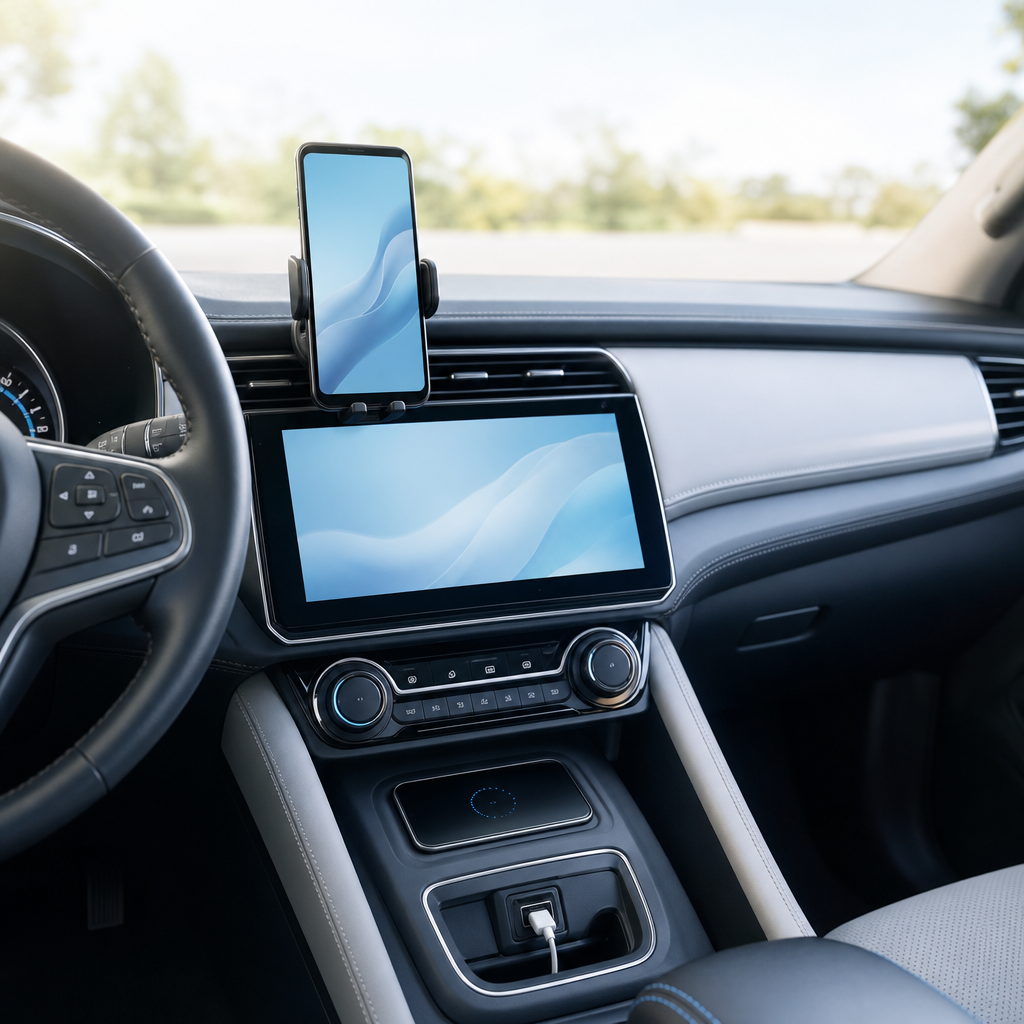
A phone in a trouser pocket or bra strap sits against your body for the whole drive. A phone in a dash or vent mount sits at arm's length or more. Because field strength falls off quickly with distance, that gap does real work.
There is a legal side too. In Australia, rules on phone use while driving are set by each state and territory. Generally, a licensed driver may only use a phone for calls, audio or navigation if it is secured in a mounted cradle or operated hands-free, and learner and provisional licence holders face tighter limits. Check your own state or territory road authority before you set anything up.
Practical placement:
- Choose a mount on the dash or windscreen rather than low beside your hip.
- Keep the phone screen-off unless you need it.
- Do not drop it into a seat-side pocket next to your thigh when you park the mount.
Tip 2: Avoid long calls in weak-signal areas
The phone-to-tower link is the strongest source in most cars. ARPANSA notes that phones use more power when signal is weak, and it recommends hands-free kits or speaker mode if you want to lower exposure from calls. Hands-free also keeps the phone away from your head.
That gives you a simple rule for driving:
- Take long calls where signal is strong, such as city and suburban stretches.
- Postpone or shorten calls in rural dead zones, tunnels, car parks and long highway gaps.
- Use car hands-free or speaker mode rather than holding the phone.
- Send a short text at a safe stop instead of staying on a long call.
Australian drivers cross large patchy-coverage areas more often than most. A regional commute or an outback holiday drive is the clearest case for saving calls for when you have good bars.
Tip 3: Use aeroplane mode on navigation-only trips
GPS receives satellite signals and does not transmit, so navigation can work with the phone in aeroplane mode if you have downloaded offline maps. With cellular radios off, the phone is no longer chasing towers.
Setup takes a few minutes:
- Before you leave, download the offline map area for your route in your navigation app.
- Confirm the route loads without data.
- Switch on aeroplane mode.
- Re-enable Bluetooth alone only if you actually need audio.
Be realistic about the trade-offs. You lose live traffic, incoming calls and messages. Rideshare and delivery drivers need their apps live, so this tip suits private trips, school runs and long familiar routes. Do not use it if it leaves you unreachable in a situation where you need to be contactable. Aeroplane mode on most phones still lets you reach emergency services in an emergency only if you switch it off, so know how to do that quickly.
Which wireless sources in the car can you switch off?
Check what is transmitting that you do not need. Switch off the phone hotspot when nobody is using it, turn off Bluetooth when you are not streaming or taking calls, and replace the wireless charging pad with a cable. Each change removes one source from the cabin.
Tip 4: Switch off the hotspot
A hotspot turns your phone into a Wi-Fi router, and it keeps the cellular link working hard to feed it. Many drivers leave one running from a morning tether and forget it for the whole day.
Check your phone's settings before each trip. If a passenger needs data, switch it on for that purpose, then off again. The same goes for in-car Wi-Fi systems and any dash-mounted 4G or 5G router.
Tip 5: Use a cable instead of wireless pads and wireless projection
Three wireless habits are easy to replace with a wire:
- Wireless charging pads. A pad produces its own magnetic field, and your phone sits on it for the whole trip. A cable into a USB port removes that source.
- Wireless Apple CarPlay or Android Auto. Wireless projection typically runs over Bluetooth and Wi-Fi. A wired connection avoids both.
- Bluetooth you are not using. If you are streaming audio over the speakers, you need it. If you are in silence, you do not.
A word on Bluetooth, because it is the keyword drivers ask about most. Bluetooth is a lower-power link than a phone's cellular connection, according to ARPANSA's guidance on mobile phones. Using it for calls generally beats holding a phone to your head. So the sensible rule is not never use Bluetooth. It is to use it when it replaces something stronger, and switch it off when it is not doing a job.
Keep a decent cable in the car and stop thinking about it. It costs little and it works every time.
How do you reduce EMF from passengers' and kids' devices?
Download films, games and playlists before you leave, then set tablets and phones to aeroplane mode so they are not searching for signal. Keep devices on a seat-back mount or tray rather than on laps. This works well on long school or holiday drives.
Tip 6: Pre-download, aeroplane mode, off laps
A car with three children and three screens is the most crowded EMF environment most families create. Most of those screens are streaming, which keeps their radios busy and often pushes them to switch between towers.
A simple routine:
- The night before, download shows, audiobooks and games on every tablet.
- Before you pull out, switch each device to aeroplane mode.
- If kids use Bluetooth headphones, re-enable Bluetooth only, or use wired headphones.
- Mount tablets on a seat-back holder or rest them on a pillow, not directly on bare legs.
Kids hold devices closest to the body for the longest stretches, so I take a precautionary view with them. Neither WHO nor ARPANSA says that such steps are required. This is about reducing sources where it costs you nothing, and the downloaded content approach has a practical bonus: it avoids buffering when coverage drops on a regional highway.
For older kids and teenagers, ask rather than order. A short explanation that aeroplane mode also saves battery usually gets better buy-in than a lecture about radiation.
Where should you put devices and sit in the car?
Keep distance where you can. Store phones in a console or bag away from your body, avoid placing them under thighs or in seat pockets beside you, and keep charging points and stored devices away from where anyone sits. Distance is the simplest reduction because field strength falls quickly as you move away from a source.
Tip 7: Map your cabin
Spend two minutes thinking about where each device lives, then move the ones that sit close to a person.
- Charging points. A phone plugged in and sitting on the seat beside a passenger is a source next to a body. Use a console tray or cup holder at the centre of the car instead.
- Stored devices. Laptops, spare phones, dash cams, GPS trackers and tablets in seat pockets or door bins are still on. Switch them off or put them in the boot.
- Rear-seat power ports. If kids charge devices in the back, run the leads so the devices sit on the floor mat or in a bag, not against a child.
- Driver position. Keep the phone out of the hip, thigh and chest zone. The dash mount from Tip 1 does this for you.
Rideshare drivers often run two phones, a dash cam and a charging hub at once. For you, the check is simple: if a device is not helping you do the job right now, turn it off or move it back.
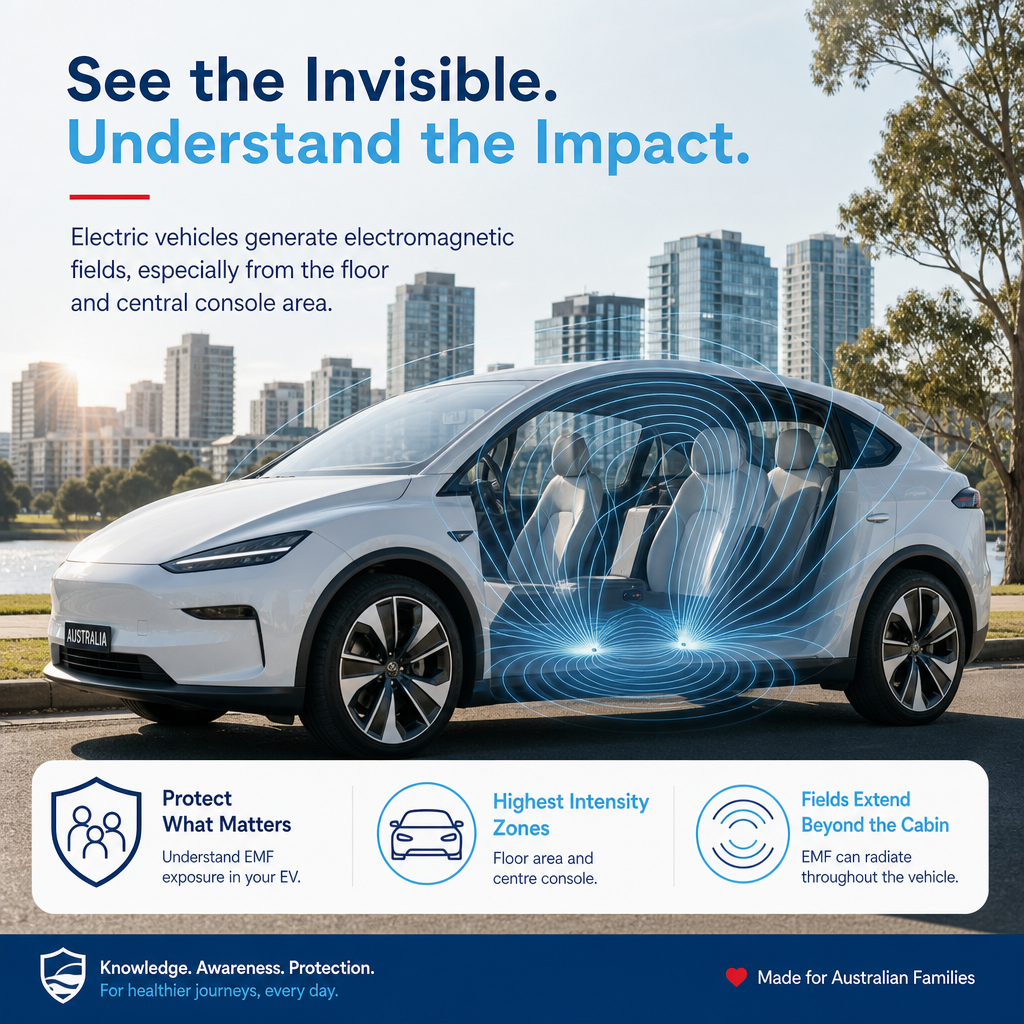
This tip is also where electric vehicles come in. EVs add high-current wiring and charging electronics, and the layout varies by model. I cover that in our article on electric vehicle EMF exposure in Australia. The cabin habits in this guide apply the same way in a petrol, hybrid or electric car.
Where do Aulterra harmonising products fit in?
Aulterra products are harmonising products, not shielding. They do not lower measured field strength, so they do not replace the habits above. They are an added layer for people who want to neutralise their environment further: a whole-car USB neutraliser, a phone disc, and a pendant or vitality wristband for the driver.
Tip 8: Add a harmonising layer once the habits are in place
Order matters. Do the free steps first, because they genuinely remove sources. Then consider a layered approach that supports how you feel in the car.
Whole-car USB neutraliser. This is the EMF car neutraliser for Australian drivers who want one product to cover the cabin. It plugs into a USB port, so it suits a daily commuter or a family car. It is designed for the whole car rather than one device, which fits the way I think about the problem: the car is a combined environment.
Phone disc. The phone is the strongest and closest source, so it gets its own product. A disc is applied to the phone or its case. Placement matters, and I walk through it in our guide on how to apply an EMF neutraliser disc. If you want more on phone habits beyond a case, see our article on reducing phone radiation exposure without a case.
Pendant or vitality wristband. For the driver, a pendant or wristband travels with you from the car to the office. If you are comparing styles, our pendants category is the place to start.
What the 60-85% estimate means, and what it does not
Our own estimate is that customers describe a 60-85% improvement in perceived EMF-related fatigue after applying our products. Please read that carefully. It is an estimate drawn from qualitative customer descriptions across residential use cases. It is not clinical data, it was not measured in cars specifically, and it is not a promise of any outcome for you.
And to repeat the limit: these products do not change a meter reading. If you measure the field in your car with and without them, the number will not move. I would rather tell you that now than have you find out with a meter.
What are the honest limits of these steps?
Behaviour changes reduce exposure by removing or distancing sources. Harmonising products are a separate layer, and they do not lower measured fields. None of this is medical advice, and none of it should reduce your safety. Keep hands-free compliance, emergency access and attention on the road ahead of everything else.
A few honest caveats:
- Aeroplane mode is not for everyone. If you must be reachable, or you rely on live traffic, it is the wrong choice that day.
- Rideshare and delivery drivers have less room. Your phone has to be on. Focus on mounting, cables, hotspot discipline and layout.
- The regulatory position is real. ARPANSA and WHO both say that exposure within the limits has not been shown to cause health effects. I take a precautionary view on cumulative exposure. You are free to disagree, and the free steps cost you nothing either way.
- No product replaces a safe driving setup. A pendant does not excuse a phone in your hand.
What is a quick pre-drive EMF checklist?
Before each trip, run a 60-second check: phone in the dash mount, hotspot off, unused Bluetooth off, wireless pad swapped for a cable, passenger devices downloaded and in aeroplane mode, stored devices off, and your harmonising products in place. Print it or save it to your notes.
Pre-drive checklist
- Phone is in a dash or vent mount, not in a pocket or on a lap
- Hotspot is off
- Bluetooth is off, unless I am streaming or taking a call
- I am using a cable, not a wireless charging pad or wireless projection
- Offline maps downloaded, and aeroplane mode on for navigation-only trips
- Long calls saved for strong-signal areas
- Kids' tablets are downloaded, in aeroplane mode and off laps
- Spare phones, dash cams and trackers are off or stored in the boot
- Charging devices sit in the console, away from anyone's body
- Harmonising products are in place: car USB neutraliser plugged in, phone disc applied, pendant or wristband worn
Why does stacking sources matter more than any single device?
A single source is easy to dismiss, because on its own it sits within the limit. A car is rarely a single source. Phone, Bluetooth, hotspot, pad and passengers' devices run together, so I measure the problem by the combined load across a driver's whole day, not by any one device.
Here is my contrarian view, and I hold it firmly. Exposure standards were built around one device and acute use. Nobody lives like that. A commuter sits in a car, then at a desk with a laptop, monitor, phone and wireless peripherals, then at home with a router, smart meter and television running. The car is just the first stack of the day.
Consider a typical scenario. This is an illustration, not a client case. A rideshare driver starts a long shift with the phone in a pocket, a second phone for a different app, a hotspot left on from the morning, a wireless pad charging under the dash and a dash cam running. Passengers climb in with their own phones and tablets.
None of those sources is unusual. Together, they are a crowded cabin all day, with the driver closest to most of it. Now run the same shift with a different routine. Both phones are in dash mounts. The hotspot is off. A cable replaces the pad. Passengers' devices are the only thing the driver cannot control, so the driver controls everything else.
That driver has not eliminated exposure. That is not the goal and it is not possible. They have removed the avoidable sources and put distance between themselves and the rest. Then, if they choose, they add a harmonising layer on top.
That is the principle behind everything at EMF Neutralizer: take control of your immediate environment, one deliberate change at a time. Your car should work with you, not against you.
Pair your habits with the right products
Start with the free steps in this guide. They cost nothing, and they change what is actually transmitting in your car. Then pair your new driving habits with the Aulterra whole-car USB neutraliser, and add a phone disc for your everyday device. Together, they give you a layered approach for every trip.
References
- ARPANSA, Mobile phones
- World Health Organization, Radiation: Electromagnetic fields (questions and answers)
- International Agency for Research on Cancer, Press release No. 208 (2011): IARC classifies radiofrequency electromagnetic fields as possibly carcinogenic to humans
Stay informed on EMF wellness
Get practical tips and product updates in your inbox.
Frequently asked questions
Does Bluetooth in the car emit EMF?
Yes. Bluetooth uses radio waves, so it is a source of radiofrequency EMF. ARPANSA's guidance on mobile phones indicates Bluetooth is a lower-power link than a phone's cellular connection. Using it for calls beats holding the phone to your head, but switch it off when you are not streaming or on a call.
How can I reduce phone radiation in my car?
Mount the phone on the dash instead of keeping it in a pocket, take long calls only where signal is strong, use hands-free or speaker mode, and switch on aeroplane mode on navigation-only trips with offline maps downloaded. Switch off the hotspot, and use a cable instead of a wireless charging pad.
Is it safe to use aeroplane mode while driving?
It is safe for navigation if you have downloaded offline maps, because GPS receives satellite signals without transmitting. You will not receive calls, messages or live traffic updates. Do not use it if you need to be reachable, and know how to turn it off quickly in an emergency.
Do EMF car neutralisers lower the field strength in my car?
No. Aulterra products are harmonising, not shielding, and they do not lower measured field strength. A meter will read the same with or without them. Behaviour changes are what reduce the number of active sources. The products are an added layer, and we make no medical or treatment claims.
Is EMF exposure while driving higher in an electric car?
It depends on the model and layout. Electric cars add high-current wiring and charging electronics, so the field pattern differs from a petrol car. Our article on electric vehicle EMF exposure in Australia covers that in detail. The cabin habits in this guide apply to every type of vehicle.

Richard Kent
Science-backed EMF wellness education from the EMF Neutralizer team.
Related articles
Best EMF Protection for Electric Cars in Australia: Tesla, BYD and Other EV Owners' Guide
The best EMF protection for an electric car is a layered setup: a whole-car USB neutralizer plugged into the cabin, neutralizer discs on the phone, dash cam and…
EMF Levels Inside Cars Australia: What Drivers Need to Know
EMF levels in cars come from several sources at once: low-frequency magnetic fields from wiring, motors and batteries in every vehicle type, plus radiofrequency…
Electric Vehicle EMF Exposure Australia: What EV Drivers Should Know About In-Car Fields
Published measurements generally place electric vehicle magnetic fields within ICNIRP and ARPANSA reference levels, so there is no regulatory basis for alarm. F…